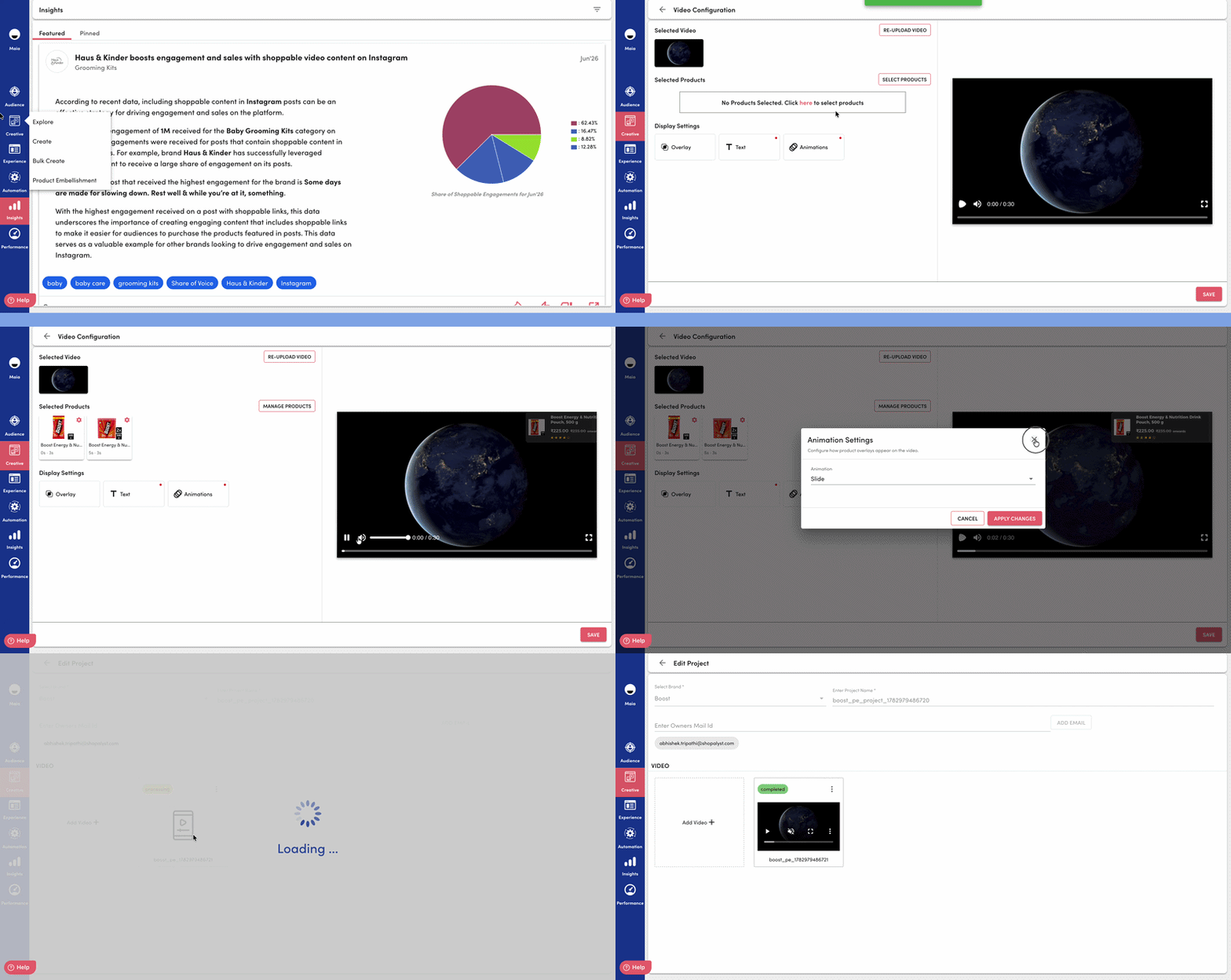
Creative Builder is a centralized space within the Super App that helps you manage your creatives from start to finish. You can create, organise, configure, and update creatives across supported platforms and formats, all from one place.
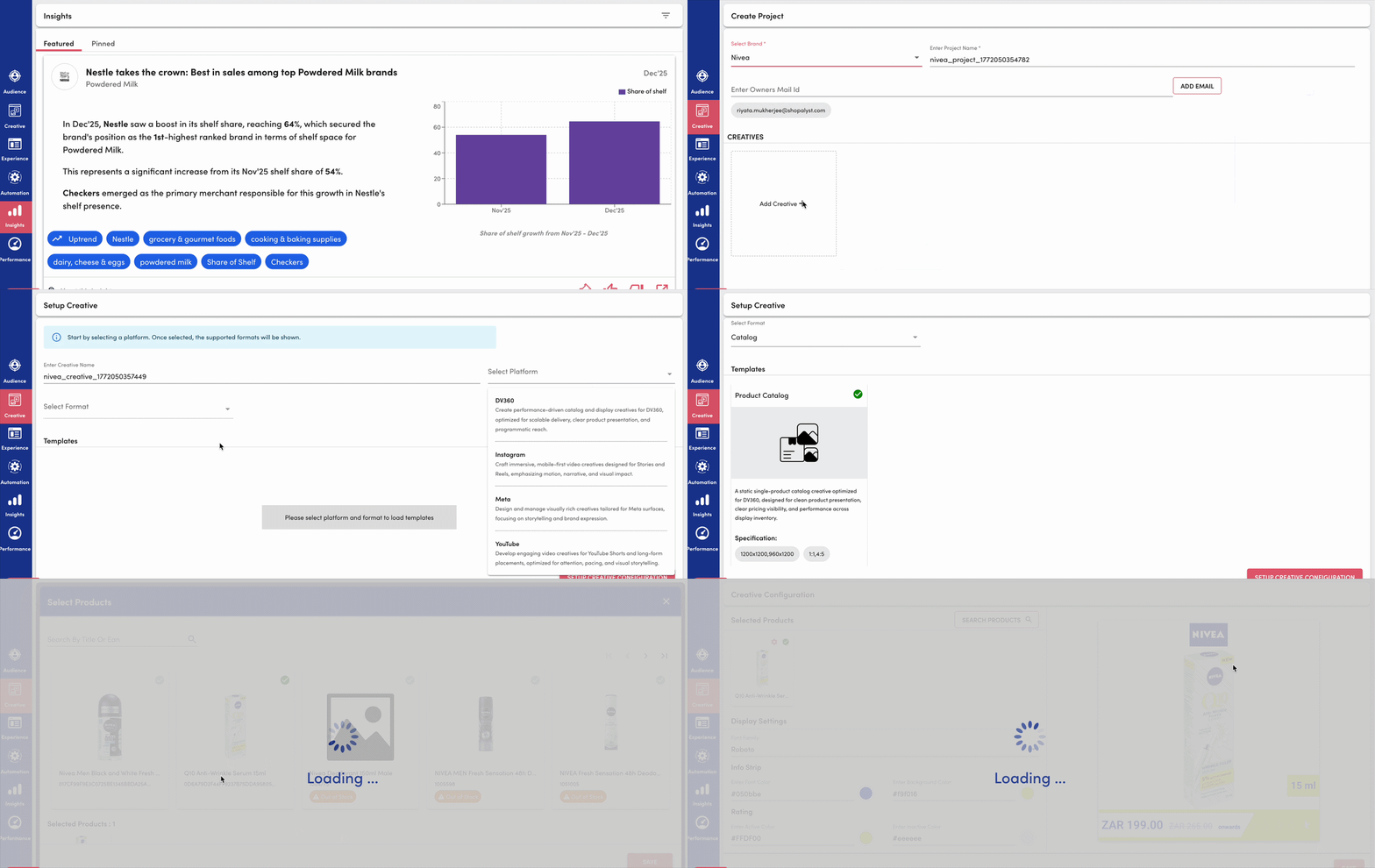
What Does the Shopalyst Creative Studio Do?
1. Centralized Creative Management
All creative work is handled in one place, making it easier to manage, track, and update creatives without switching between tools.
2. Project-Based Organization
Creatives are grouped into Projects based on campaigns or goals (like Monsoon Sale or Spring Collection). This helps keep everything organized and easy to find.
3. Guided Template Selection
Once a platform and format are selected, the system shows only the templates that fit those requirements. This helps avoid confusion and ensures everything is set up correctly.
4. Dynamic Creative Configuration
The setup changes based on the type of creative (image, video, etc.), so you only see the options that matter. This keeps the process simple and avoids unnecessary steps.
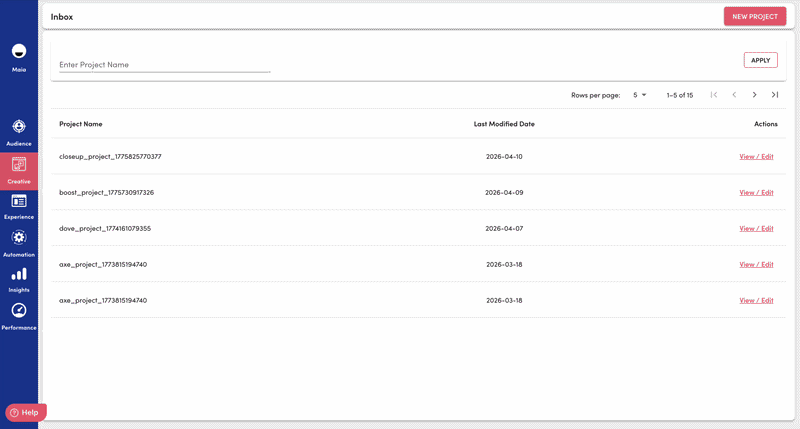
5. Creative Listing & Iteration
Each project has a clear view of all creatives, where you can easily create new ones, make edits, and update existing versions — all in one place.
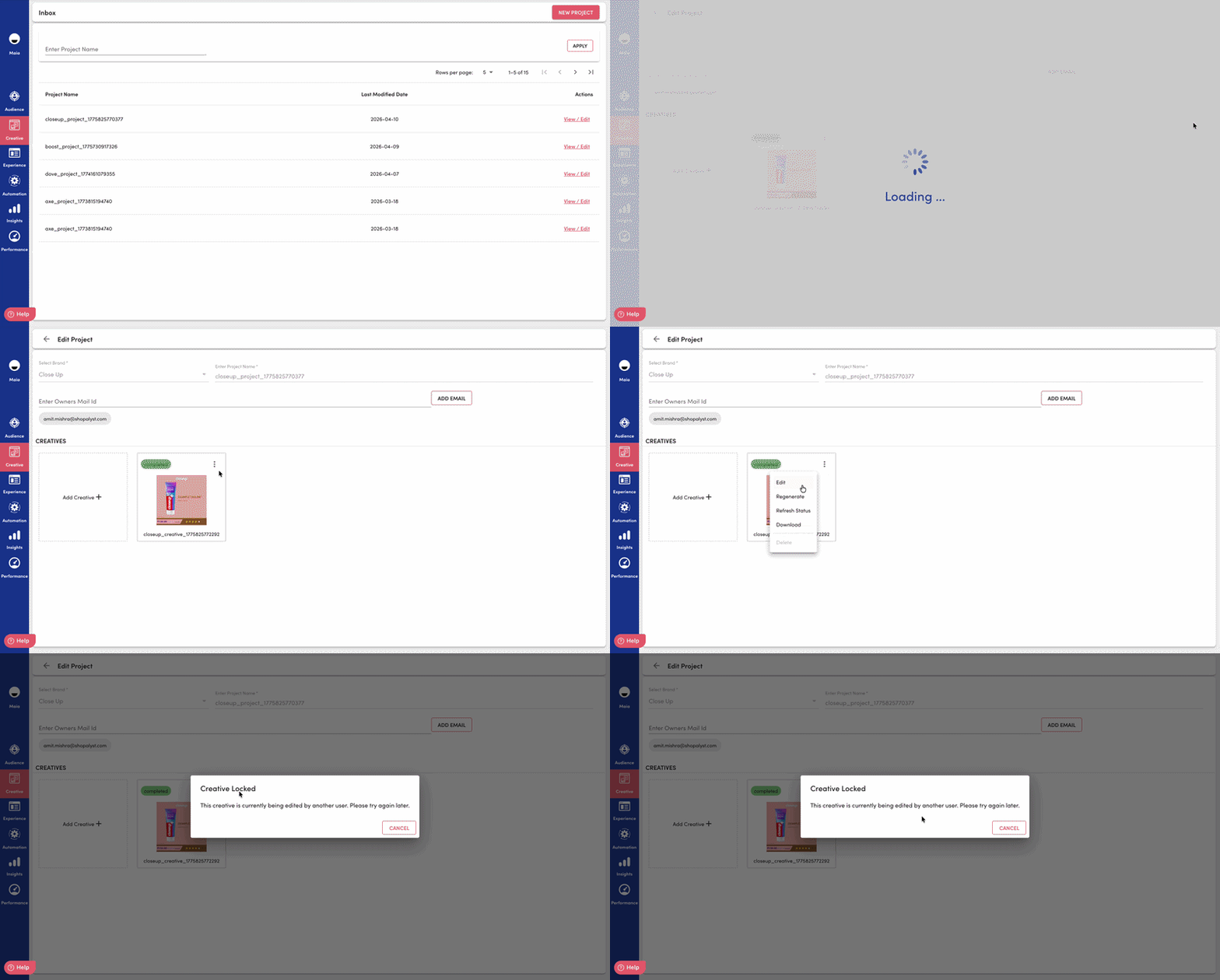
6. Smooth Collaboration with Creative Locking
To make sure teams don’t accidentally overwrite each other’s work, Creative Studio manages how edits happen when multiple people are involved.
Only one person can edit a creative at a time
Others can see when a creative is already being edited
The system understands different sessions (even for the same user)
Locks automatically expire after 24-hour soft expiry, so work doesn’t get stuck
Changes are saved only when the correct editing session is active
This helps keep everything consistent and avoids confusion during edits.
7. Structured Text Inputs
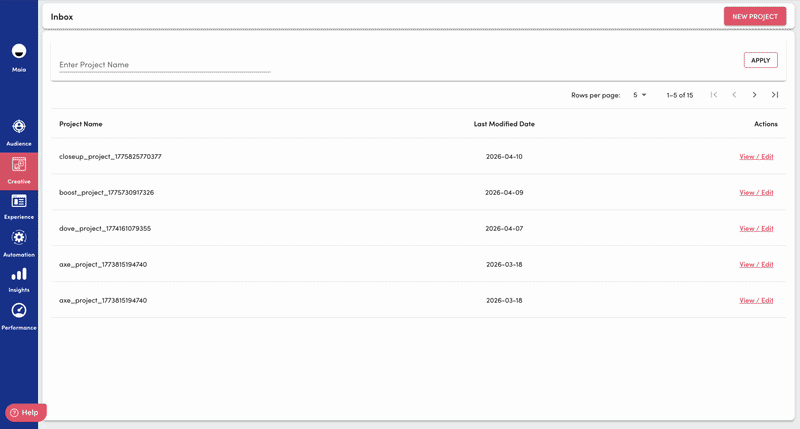
Creatives include dedicated fields for key text elements such as tagline, subtext, and disclaimer. This helps maintain a clear content structure and ensures consistency across all creatives.
8. Template-Aware Text Rendering
Text is automatically adjusted based on the selected template — including font size, spacing, and placement. This ensures that text fits well within the design, avoids overlap with visuals, and stays consistent across platforms.
9. Bulk Creative Workflow
You can use the Bulk Creative Workflow to create multiple creatives at once, saving time and reducing manual effort.
Go to Creative Studio and select Bulk Creative Upload.
Download the bulk upload template.
Fill in the required creative details and add the necessary assets.
Upload the completed file.
Review the generated creatives and make any required changes.
Publish or save your creatives.
Ensure all mandatory fields are completed before uploading.
Verify that your assets meet the required specifications.
Review your creatives after generation to confirm that all details are correct.

10. Product Embellishment
Go to Creative Studio and select Bulk Creative Upload.
Download the bulk upload template.
Fill in the required creative details and add the necessary assets.
Upload the completed file.
Review the generated creatives and make any required changes.
Publish or save your creatives.
Ensure all mandatory fields are completed before uploading.
Verify that your assets meet the required specifications.
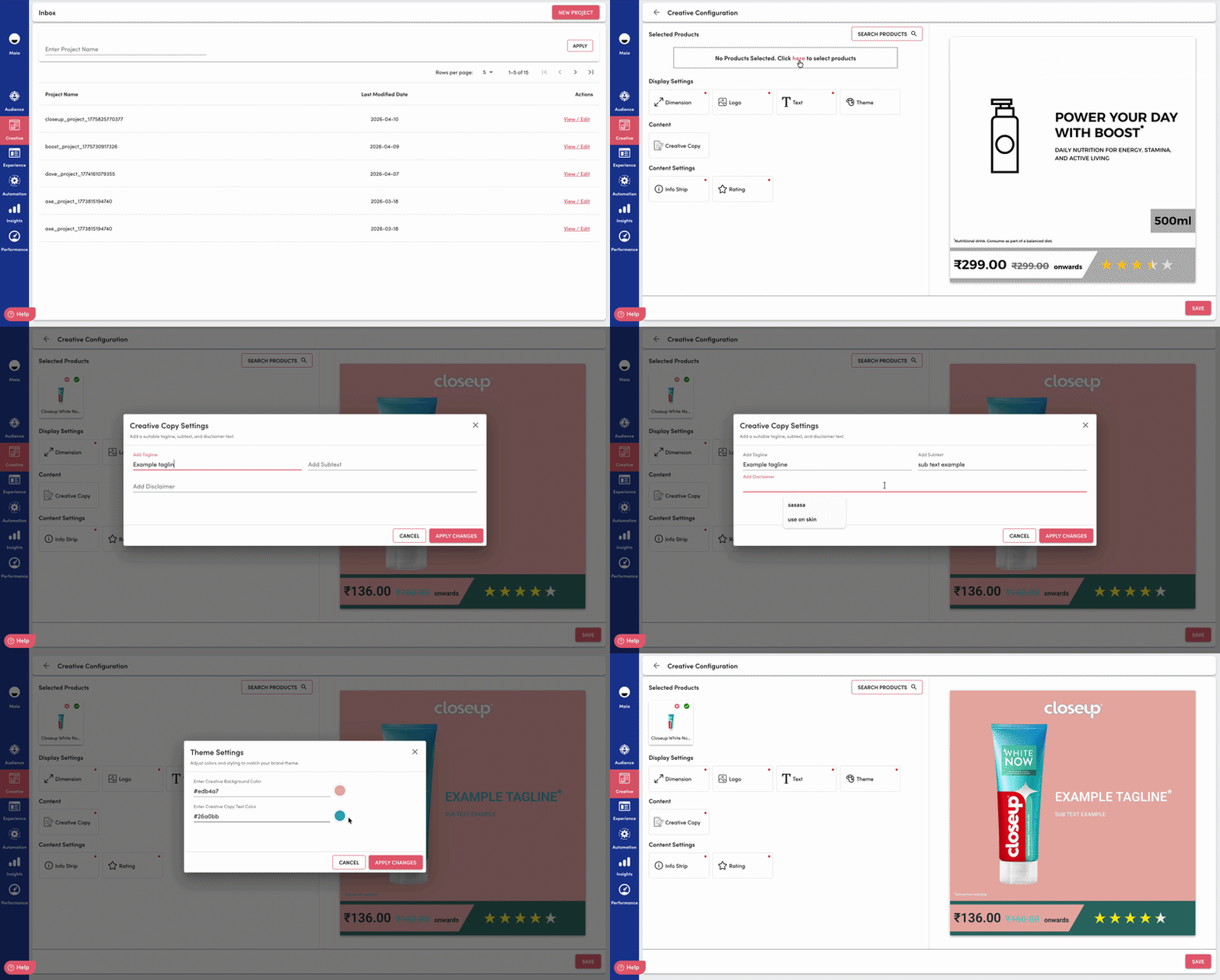
Product Embellishment is a workflow within Creative Studio that enables you to enhance videos with timed product overlays. It allows product images, titles, pricing, and ratings to appear at specific moments in a video, helping create engaging, product-focused creatives with live preview and automated rendering.
Create Product Embellishment projects
Edit existing projects and creatives
Manage video creatives through a guided workflow
Resume editing previously saved projects
You can upload MP4 videos and configure them for product embellishment. The workflow supports:
1. Portrait and landscape video formats
2. Automatic preview based on the uploaded video's aspect ratio and dimensions
3. Integrated video management within Creative Studio
Products can be displayed at specific points in a video using configurable overlays. Each overlay can include:
1. Product image
2. Product title
3. Price and sale price
4. Product rating
5. Custom display timing