
Overview
With the latest release, we have now added support for creation of Meta Collaborative Ads (CPAS) through Automation Media Plan Uploads. This enables seamless setup of CPAS campaigns without any additional manual configuration.
CPAS allow brands to run ads using a retailer’s product catalog, enabling joint advertising where retailers promote brand products while maintaining shared measurement and attribution.
Benefits
- Leverage retailer-owned data to reach high-intent shoppers using retailer product catalogs
- Improved performance for commerce-driven campaigns through retailer-contextual targeting
- Shared measurement and attribution between brands and retailers
- Simplified CPAS campaign creation without additional setup steps
- Clear visual identification of collaborative campaigns
Getting Started
- No new columns have been introduced for CPAS specific configuration
- To create a CPAS campaign, provide the Retailer Product Set ID in the existing input sheet
- Proceed with the standard campaign upload and publish workflow
- When a retailer product set ID is detected, the campaign is automatically created as a Collaborative Ads (CPAS) campaign
Visibility & Identification
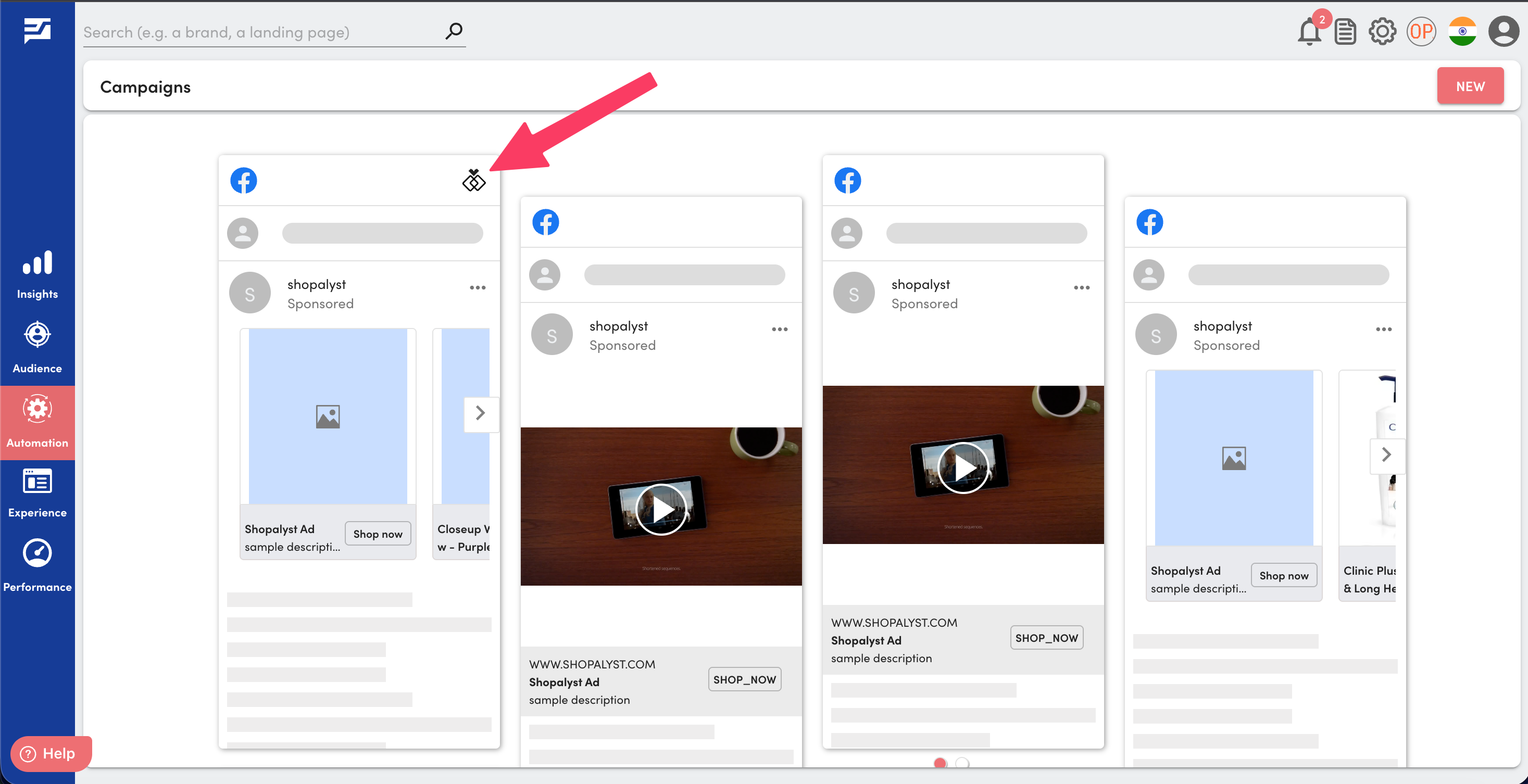
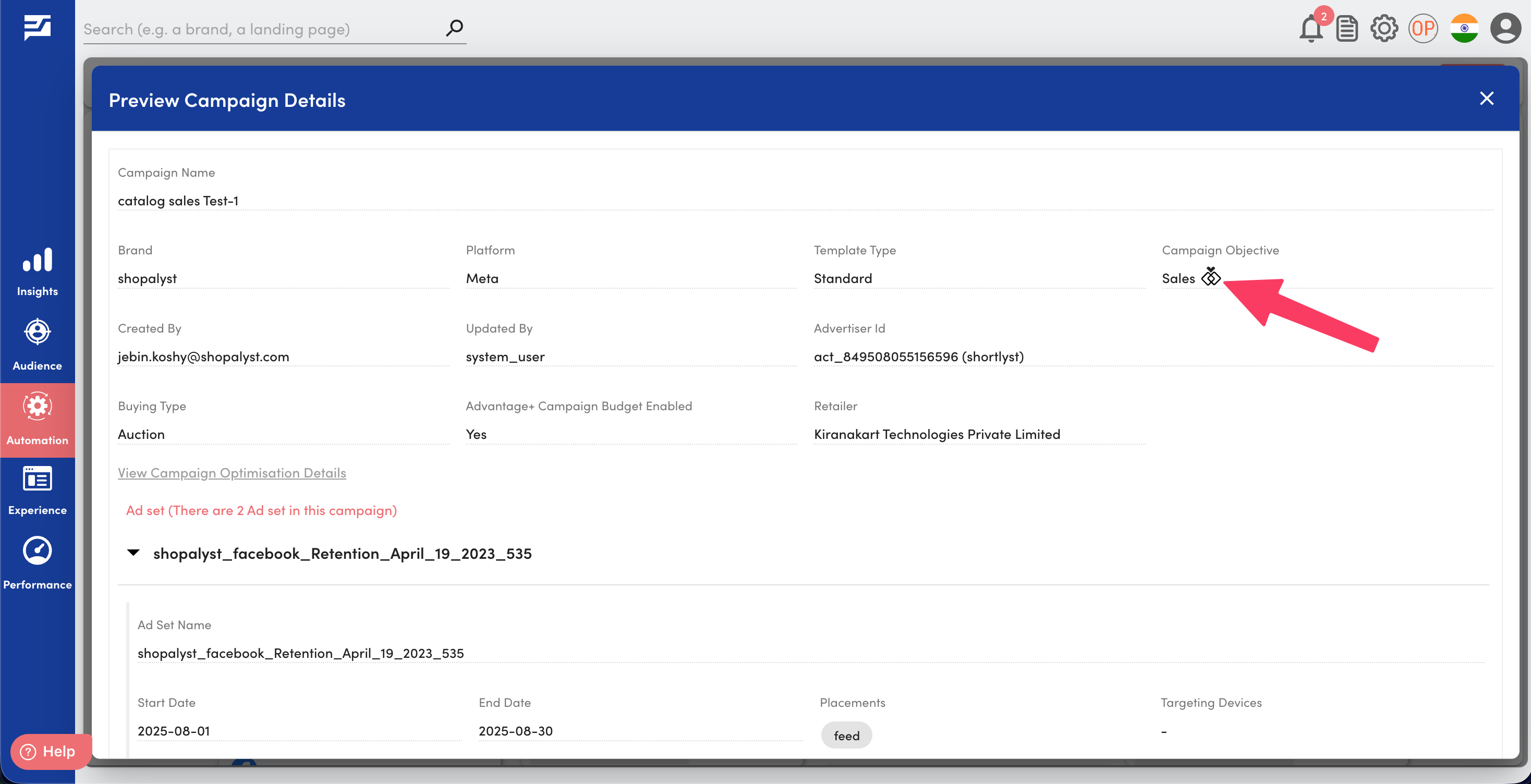
- CPAS campaigns are marked with a dedicated icon on:
- The campaign card on the Inbox page
- The Hierarchy Preview page
Know More
To know more about Meta campaign setup via Automation Media Plan Uploads, refer our guide Meta campaign creation via bulk upload.