
Overview
We have enabled support for additional optimisation goals in Meta campaign creation through media plan uploads, allowing advertisers to better align campaign delivery with specific business outcomes.
New Optimisation Goals Supported
| Objective | Optimisation Goal |
|---|---|
| Sales |
|
| Traffic |
|
Important Notes
- Supported optimisation goals and conversion locations depend on the objective selected
- Invalid combinations will be validated during campaign creation
- For detailed mappings between objective ↔ optimisation goal, and objective ↔ conversion location, please refer to the Objective Mapping worksheet in the media plan input file
Benefits
- More precise optimisation aligned to campaign intent
- Better control over how Meta delivers ads based on business goals
- Reduced configuration errors through built-in validation
- Clear guidance via objective mapping documentation
Getting Started
- Use the latest Meta media plan upload template
- Select the appropriate Campaign Objective
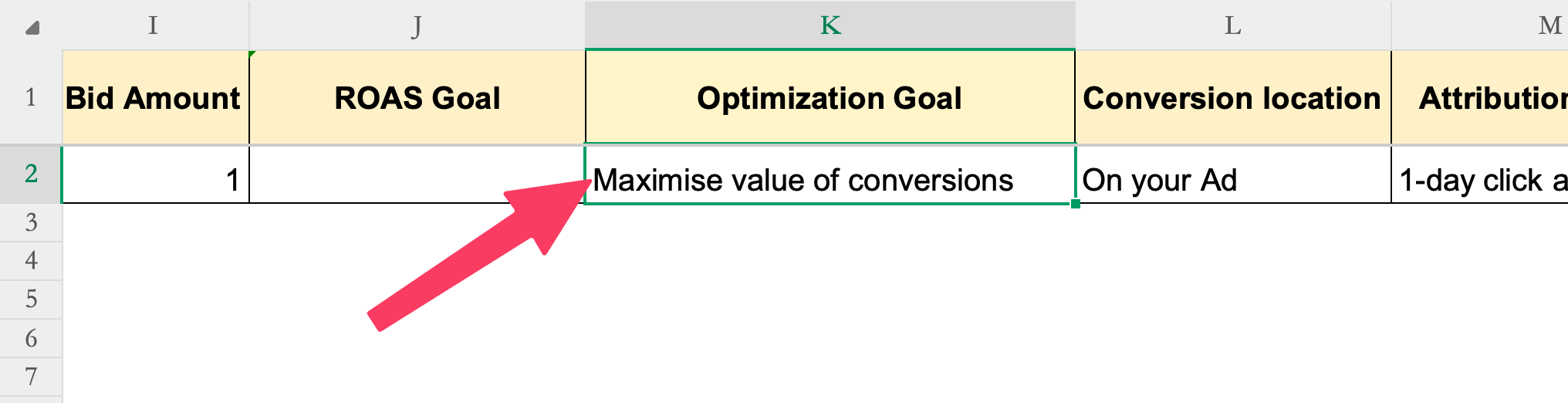
- Choose a supported Optimisation Goal based on the selected Objective
- Ensure the Conversion Location aligns with the selected objective
- Proceed with the standard upload and publish workflow
For more details on the on how to fill the media plan input sheet, please refer the Instructions worksheet in the media plan input sheet.
To know more about Meta media plan uploads, refer our guide Meta campaign creation via bulk upload.