
Overview
With the latest release, we have expanded the capabilities of DV360 campaign updates through media plan uploads. Users can now add new line items, ad groups, and ads to already published DV360 campaigns directly from the input sheet.
Previously, the platform supported adding new insertion orders only. With this enhancement, users can now extend existing campaigns by adding any campaign entity level through the same upload workflow.
What’s New
- Support for adding new line items under existing insertion orders
- Support for adding new ad groups under existing line items
- Support for adding new ads under existing ad groups
Getting Started
- Use the latest DV360 media plan upload template
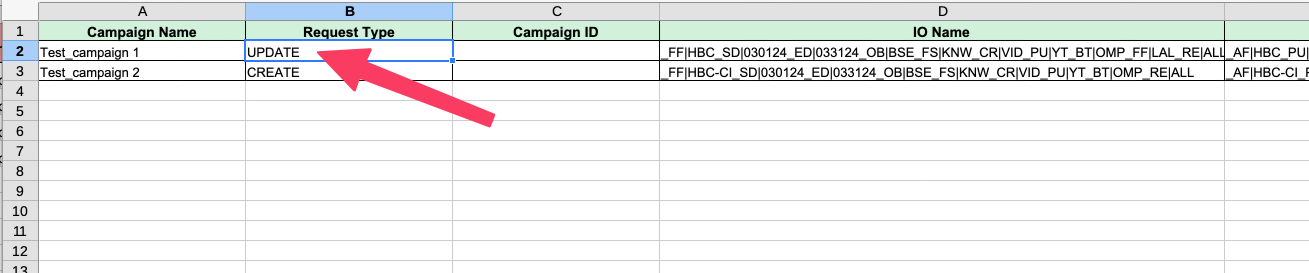
- Add rows corresponding to the new entities you want to create (Insertion Order / Line Item / Ad Group / Ad) and set it's Request Type to UPDATE
- Make sure that you use the exact name of the parent entity (Insertion Order / Line Item / Ad Group) under which the new entity should be created while adding a new row
- Populate the relevant entity-level details in the corresponding columns
- Upload the file and proceed with the standard campaign publish flow
To know more about media plan uploads, refer article Bulk Upload - Campaign Creation.