
Shopalyst optimises campaigns running on the Meta platform, enabling brands to continuously analyse performance data and apply updates directly within the Meta platform.
Follow the steps below to create a Campaign Optimisation Request:
Steps
- Navigate to the Automation module and click on the "Campaign Optimisation" option.
- Click the "New Rule Definition" button. You can select Meta as the platform.
- Create new request with the new Rule Definition from the Actions dropdown.
- Once the optimisation request is completed successfully, navigate to Request History of the Rule Definition and click on Push Updates to Meta from the actions dropdown against your request.
- Review the list of suggested optimisation outcomes.
- Choose to Push Updates against individual campaign or Update Supported Campaigns across all campaigns.
- Receive confirmation as a notification once the updates are applied in Meta.
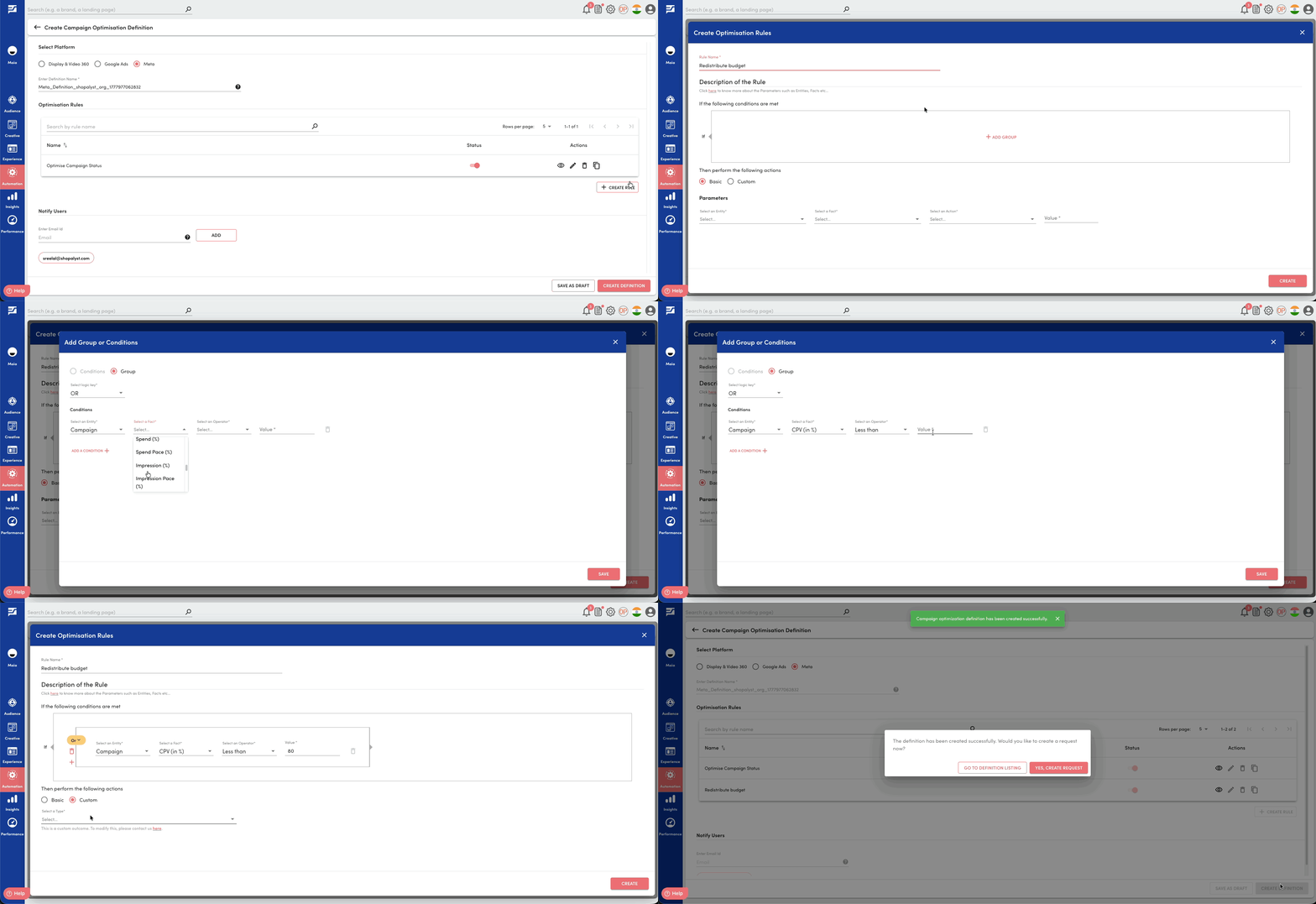
The below-mentioned facts and outcomes allow rules to be created based on cost efficiency, delivery metrics, and frequency controls, enabling automated actions to optimise campaign performance.
Fact | Level |
|---|---|
Planned CPM | Campaign, Adset |
| Delivered CPM | Campaign, Adset |
| CPM (%) | Campaign, Adset |
| Planned CPV | Campaign, Adset |
| Delivered CPV | Campaign, Adset |
| CPV (%) | Campaign, Adset |
Delivered Frequency | Campaign, Adset |
Start Date | Campaign, Adset |
| End Date | Campaign, Adset |
| Target Frequency | Adset |
Frequency Cap | Adset |
Looking for more help? Instructions to reach out to the support team are here